Connecting your OTTO account will allow your messages, orders, and order information to flow directly into eDesk.
All messages will continue to be delivered to your OTTO account and it will also update when you send messages from eDesk.
Before you start
- You’ll need an Admin login to eDesk. If you don’t have an Admin login, you can request one from an Admin user within your business.
- You'll need a OTTO seller account. To find out how to create one, click here.
01 How do I connect OTTO in eDesk?
1. Go to the App Store and click the OTTO tile under Marketplaces. Or you can start typing OTTO in the search bar to bring it back.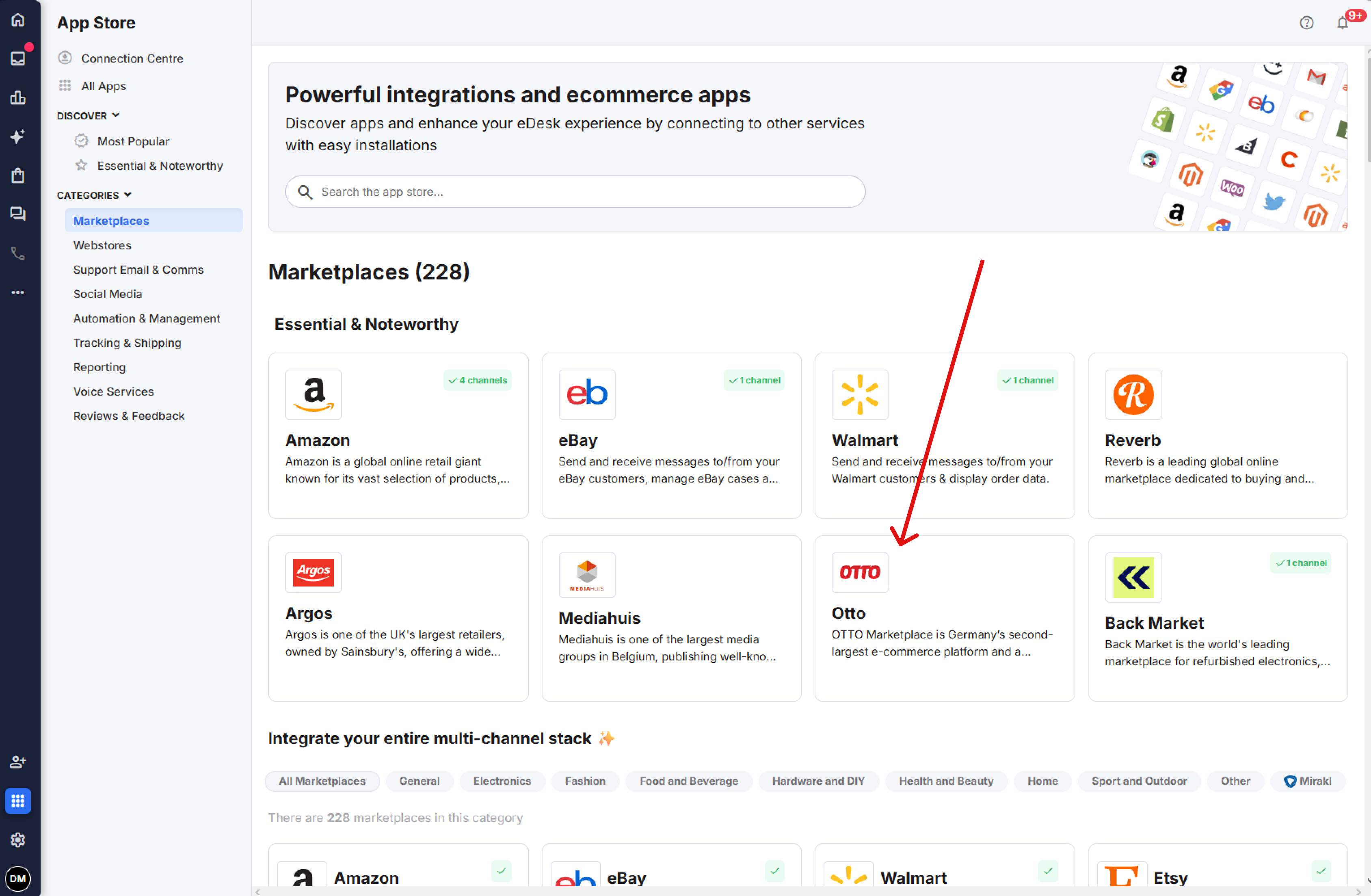 2. The App page for OTTO provides an Overview of how the channel works with eDesk.
 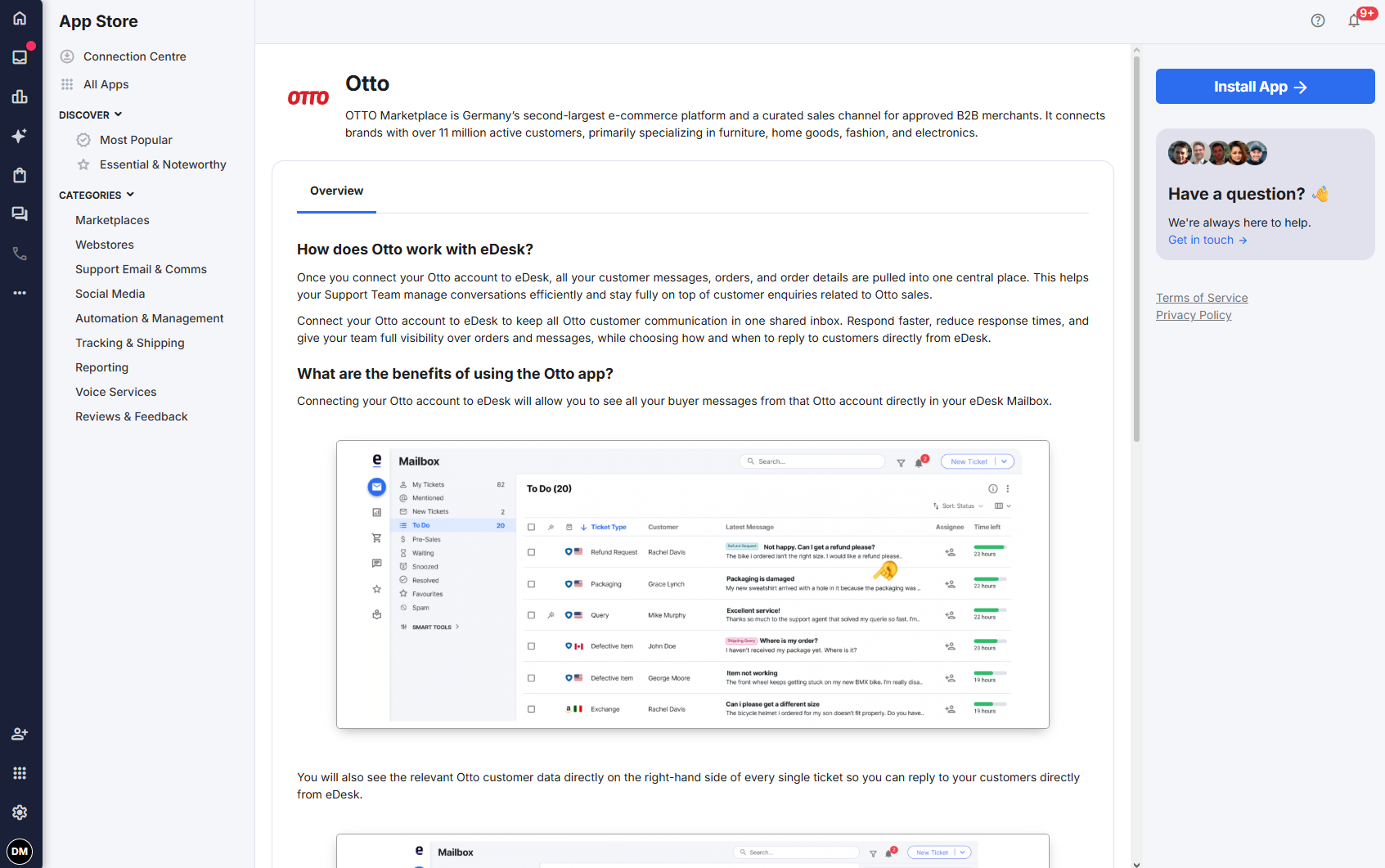 3. Click Install App to go ahead and install your OTTO account.
02 Connecting your OTTO account
1. You will be asked to login to your OTTO account.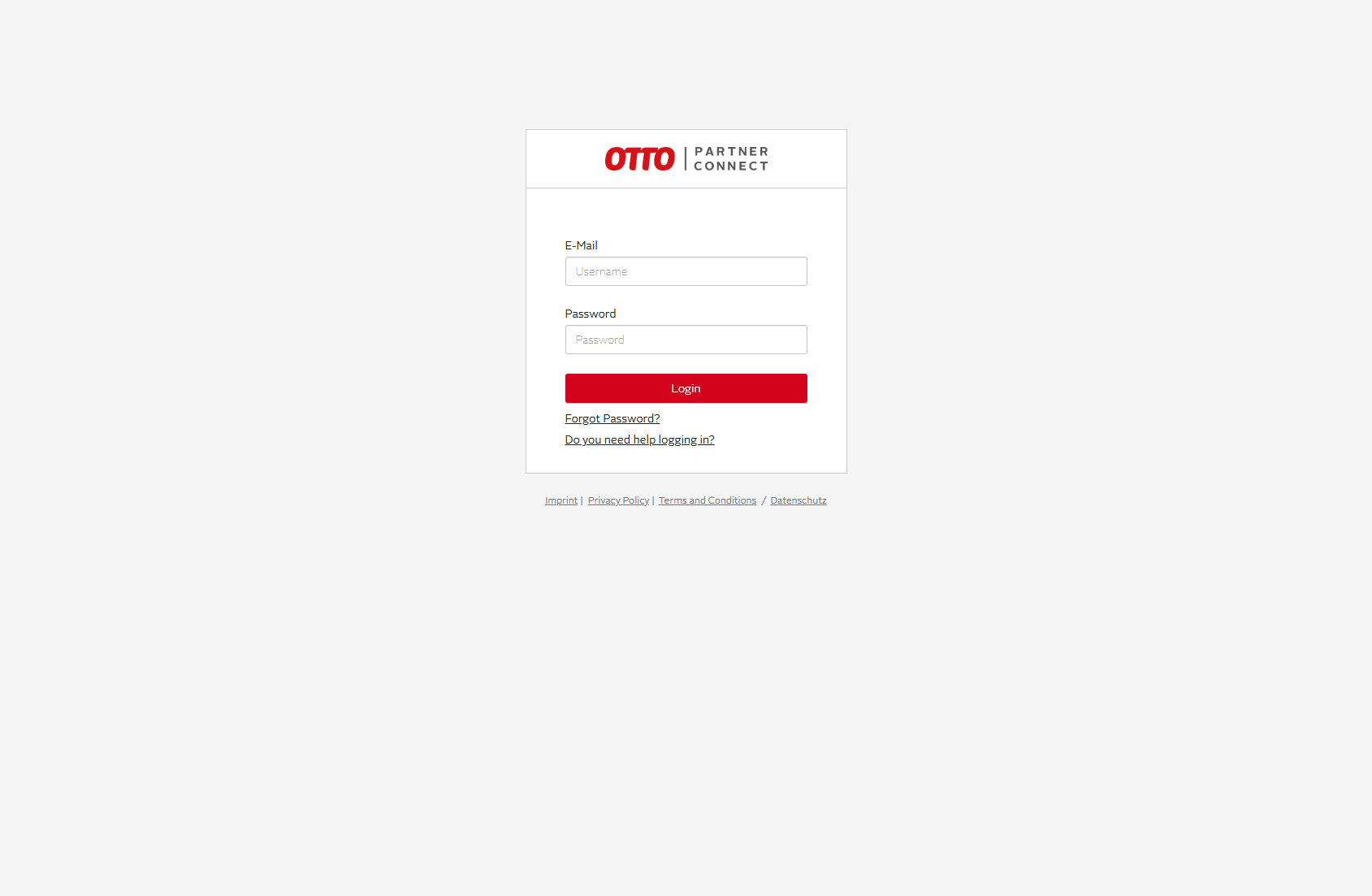 2. You will be asked to Grant Access for eDesk to OTTO.
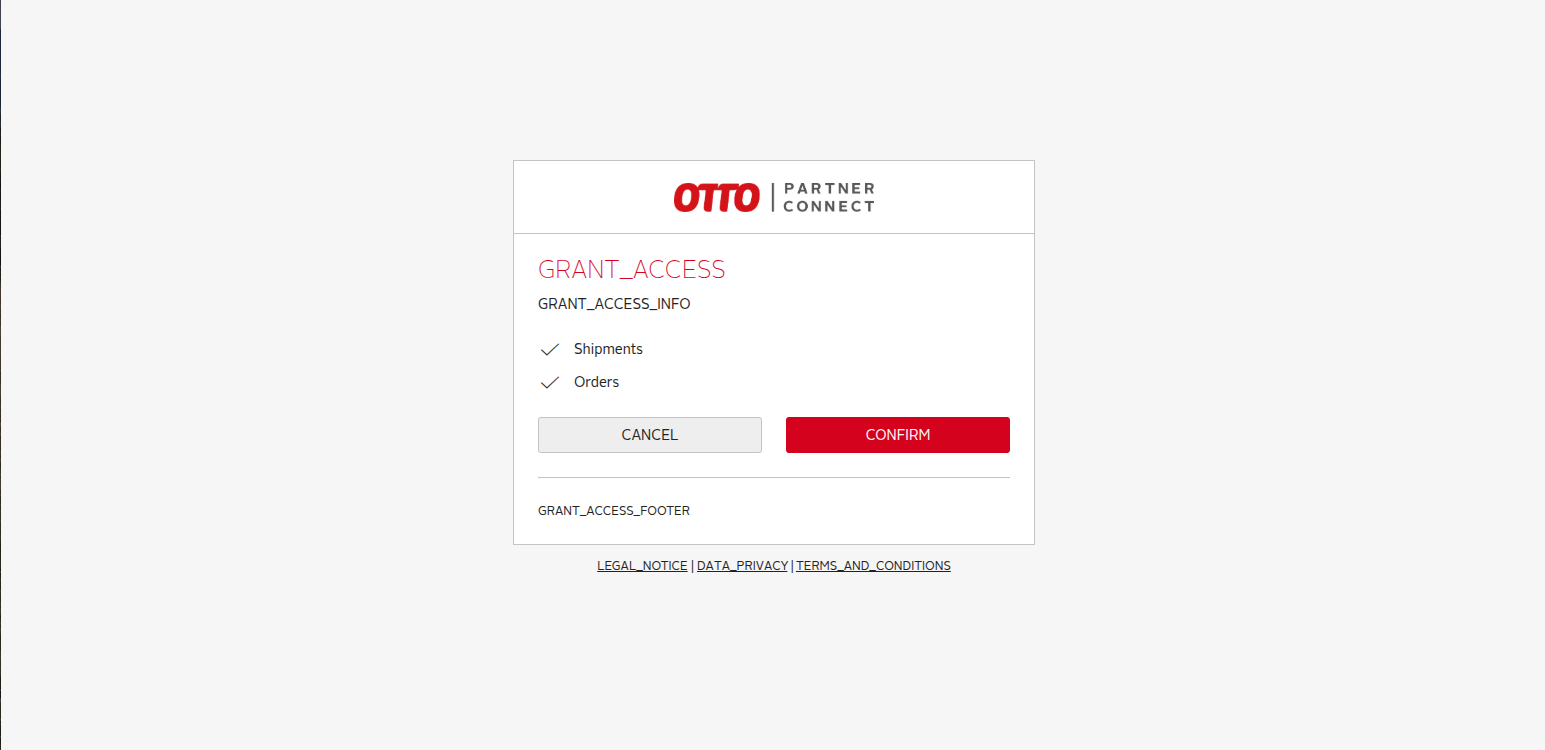 3. Once you have Granted Access, you will be redirected back to eDesk to link the email address you use for OTTO.
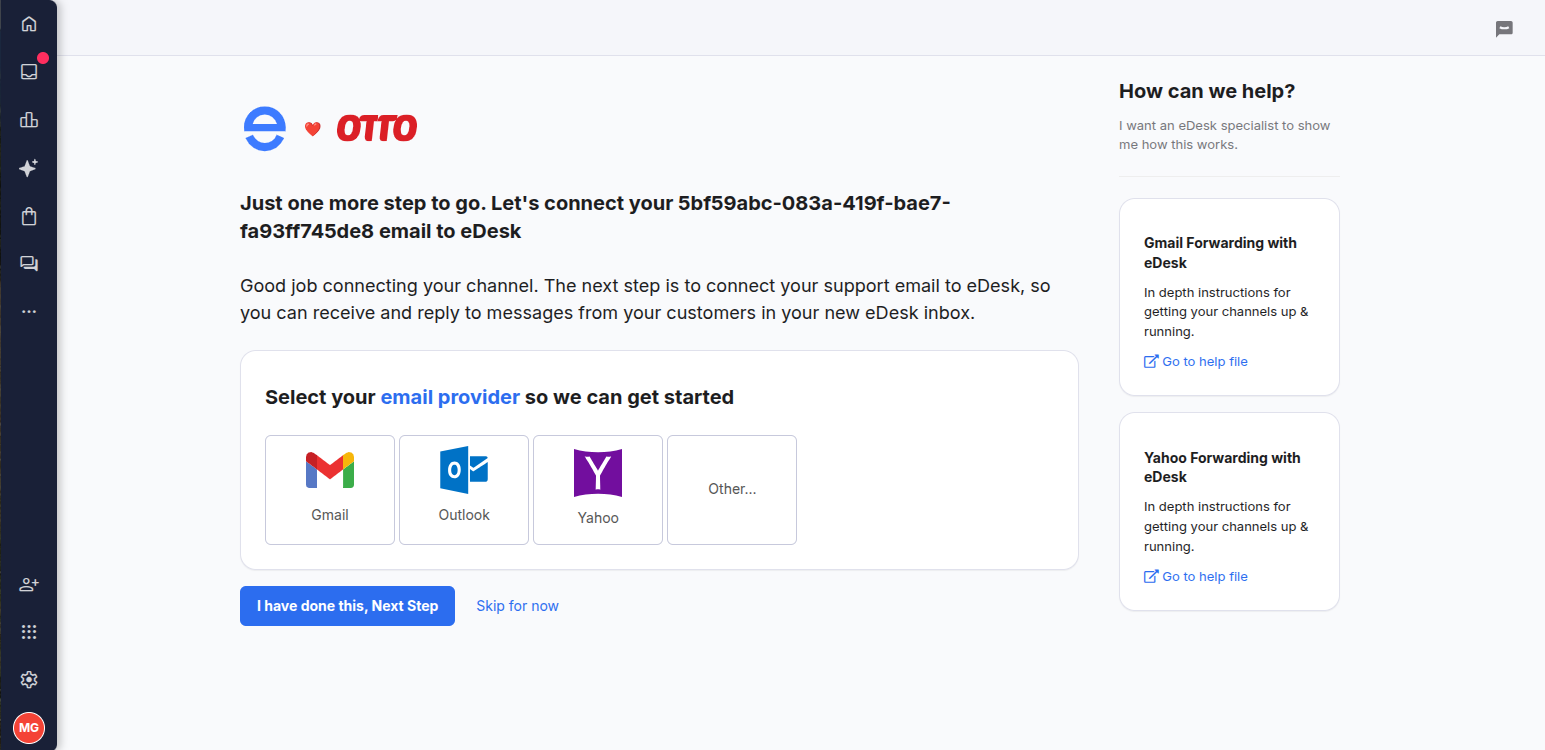 4. Once you've linked your email, OTTO is now fully enabled.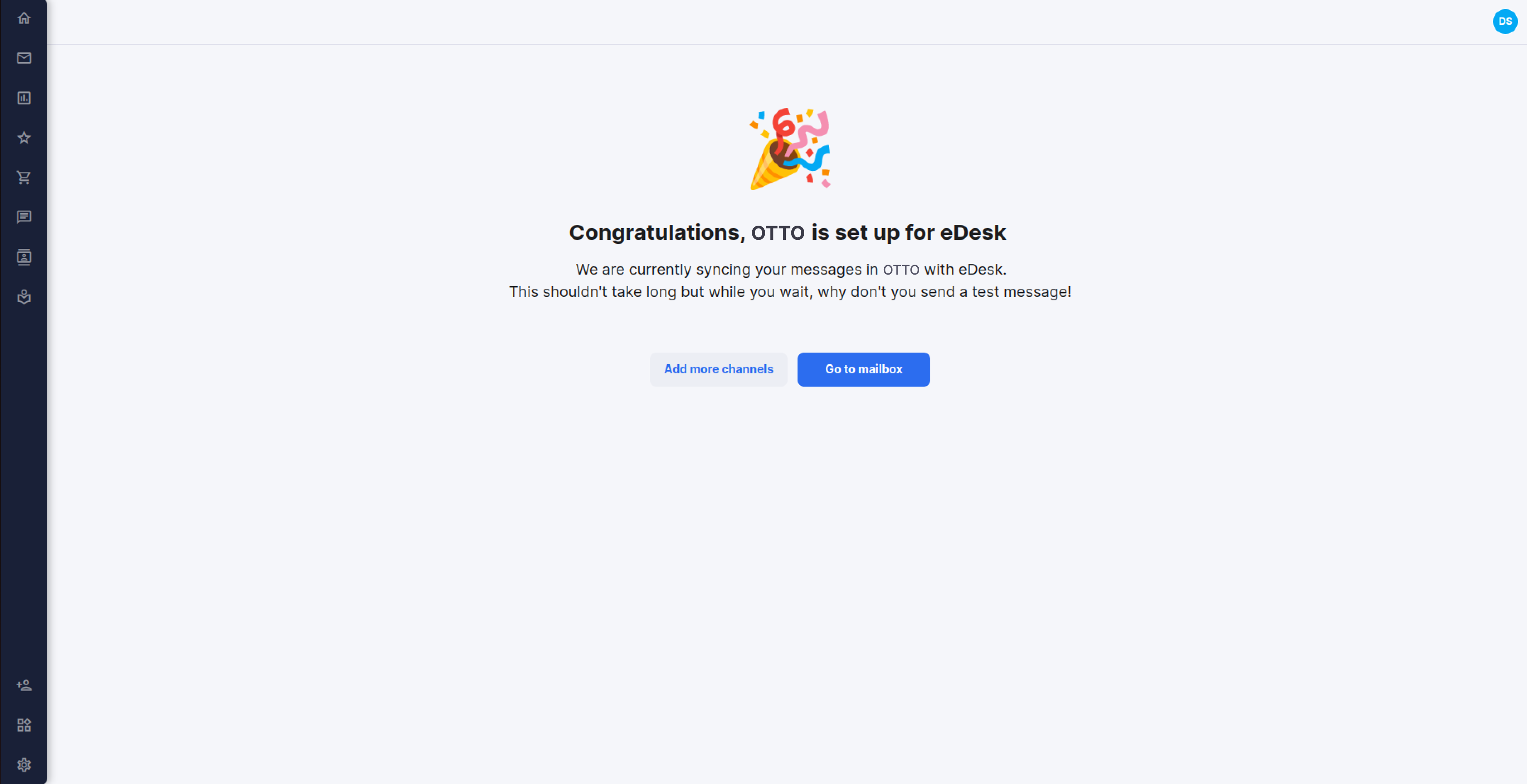
03 Where do I see data from OTTO in eDesk?
Now that you successfully connected your OTTO store, we will import data directly into your eDesk account.
You will be able to see all your buyer messages on the Mailbox screen:
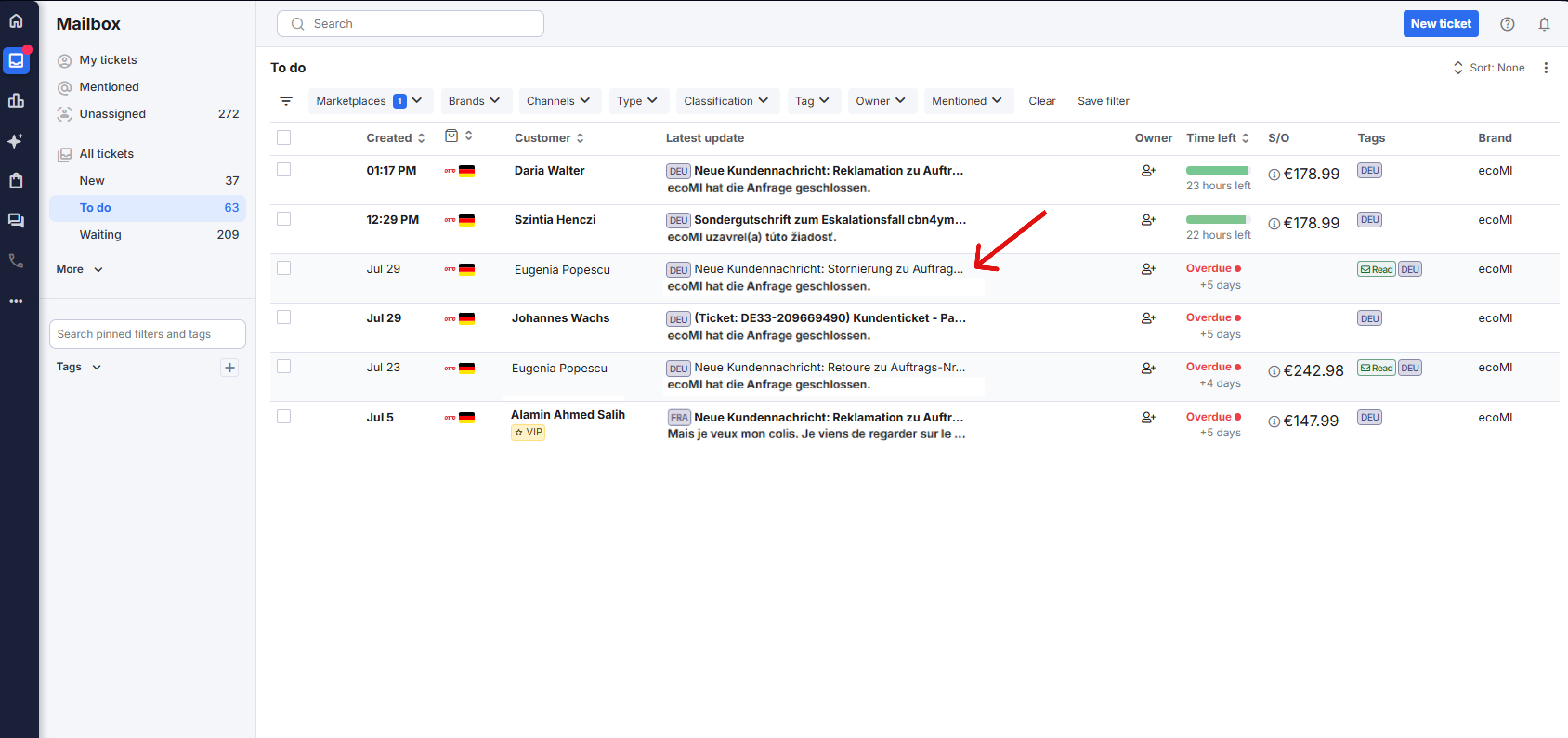 You will see the OTTO data related to each ticket on the right-hand side of every single ticket:
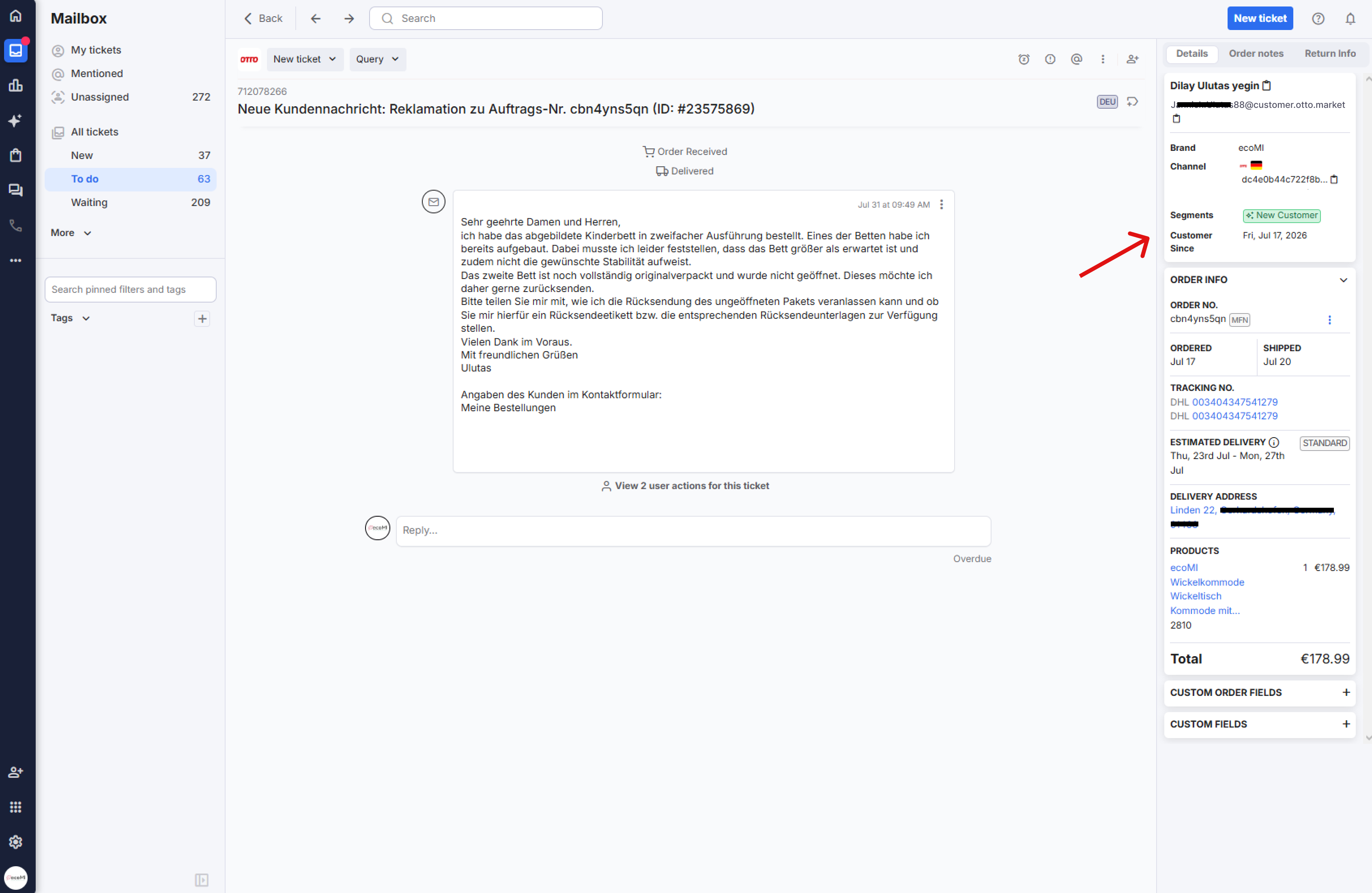 And you also will be able to consult all your OTTO orders directly on the Orders screen in eDesk:
.png)
Further Readings
If you would like to find out more about connecting Amazon with eDesk, click here.
If you would be interested in learning more about connecting eBay with eDesk, click here.